

Ergonomics
Ergonomics
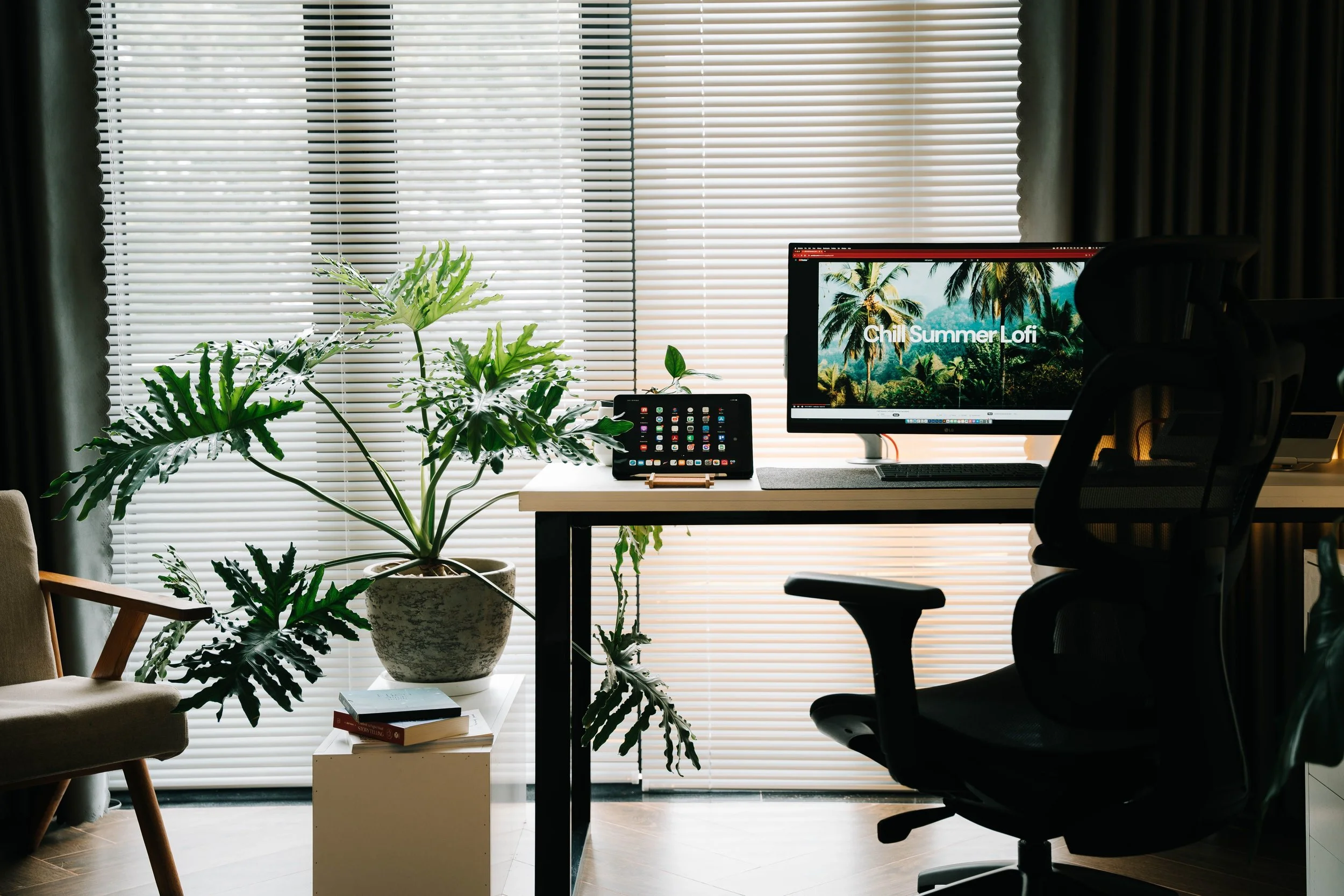
A well-designed home office should support both productivity and comfort. Good ergonomics starts with choosing furniture and equipment that can be adjusted to suit you, then positioning your desk, chair, screen, keyboard and lighting thoughtfully.
Discover practical home office ergonomics tips for creating a workspace that encourages comfortable positioning and makes working from home more enjoyable. Explore advice on desk and chair height, screen placement, foot support, movement, lighting and workspace organisation, alongside sustainable and responsibly sourced furniture that complements a stylish coastal or country interior.
Hints to make your home office more ergonomic:
Keep your feet flat on the floor. If they don’t comfortably reach, use a foot rest.
Keep frequently used items within easy reach. Avoid repeated stretching or twisting for your keyboard, mouse, phone, or documents.
Position your keyboard and mouse close together. This helps keep your elbows close to your body and reduces shoulder strain.
Place reference documents on a document holder. This reduces repeated neck movement if you’re typing from paper.
Alternate between sitting and standing. If you have a sit-stand desk, change position periodically rather than remaining in one posture all day.
Follow the 20-20-20 rule. Every 20 minutes, look at something about 20 feet (6 metres) away for 20 seconds to reduce eye fatigue.
Blink regularly. People blink less when looking at screens, which can leady to dry, irritated eyes.
Avoid placing your monitor directly in front of a window. This reduces glare and eye strain.
Keep the monitor about an arm’s length away. This is generally the most comfortable viewing distance.
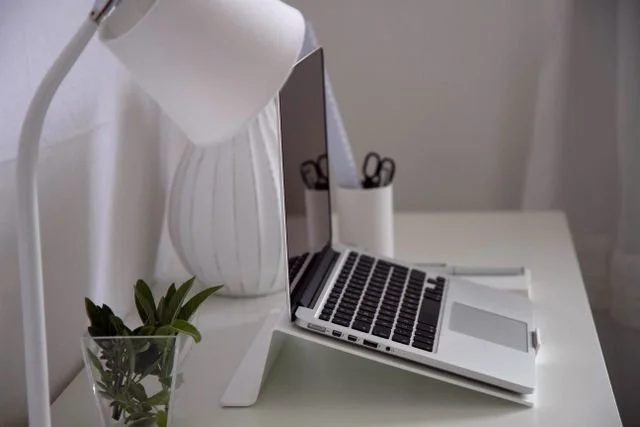
Use a separate keyboard and mouse with a laptop. If working for extended periods, allowing the screen to be raised to eye level.
Vary your posture throughout the day. The best posture is the next posture - avoid staying in one position for hours.
Take regular movement and screen breaks. Rest your eyes every 30-60 minutes.
Noise control. Reduce background noise where possible, since physical comfort includes our overall working environment.
Lighting. Choose an appropriate level of brightness to support your task.
Wrist: Use input devices that reduce repetitive strain
Your workspace should support you, not work against you. Small ergonomic improvements made today can prevent discomfort tomorrow, helping you stay healthier, more focused, and more productive over the long term.